- Scale
- From 512² set pieces to 4k+ full worlds
- Toolset
- WorldEdit, VoxelSniper, Axiom, custom brushes, heightmaps
- Style range
- Realistic, stylised fantasy, alien, underwater, arctic
- Deliverables
- World file, region files, optional schematics
- Platforms
- Java Edition, Bedrock Edition
What terrain work looks like
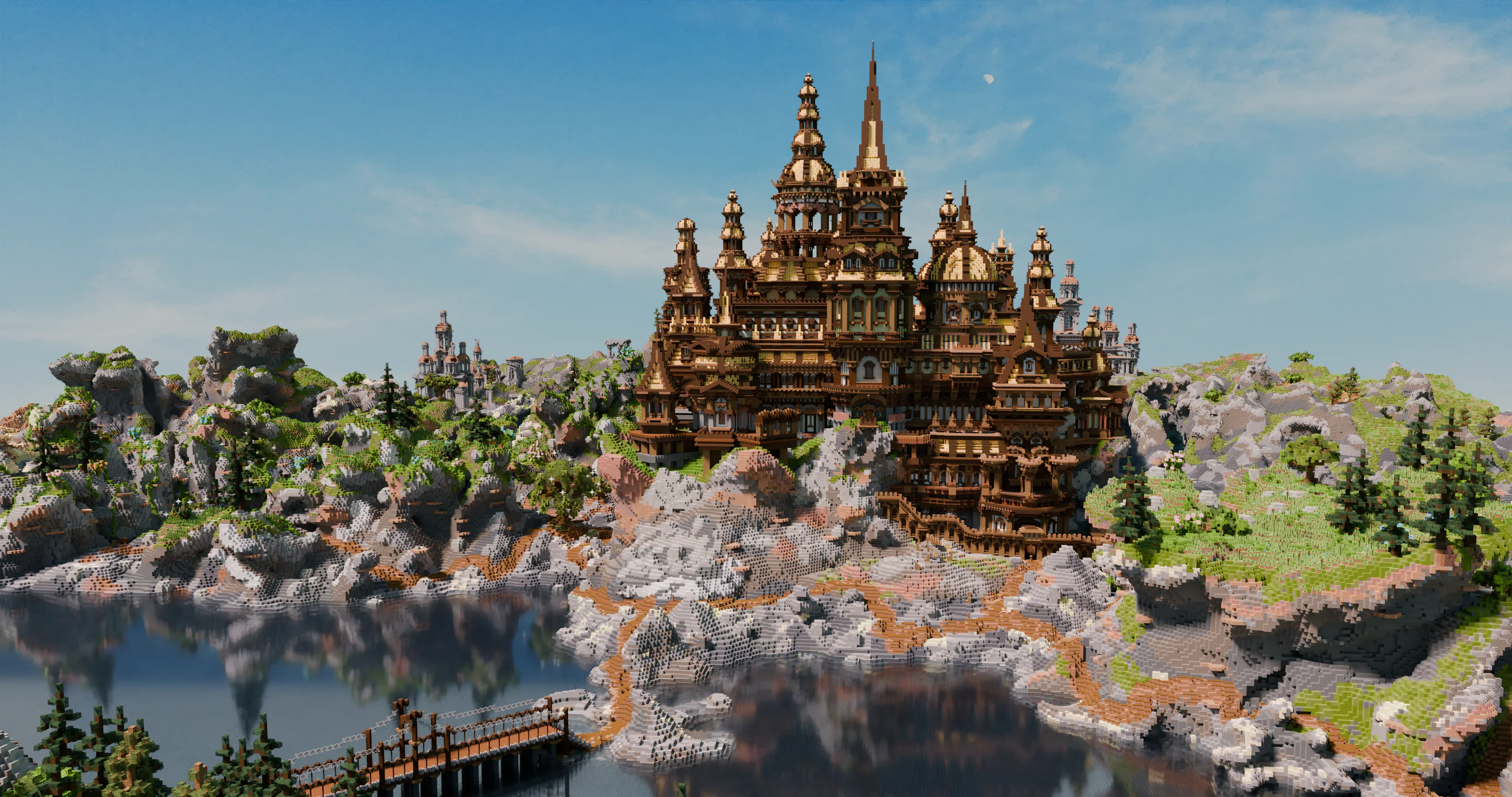
Terrain-first projects treat the landscape as the star: cliffs, valleys, coastlines, forests, rivers, and biome transitions built by hand rather than generated. The goal is a world you can walk through and read - where every ridge, cove, and treeline has intention. Terrain can stand alone as a delivered world, or serve as the base layer that architecture, cities, and set pieces will sit inside.
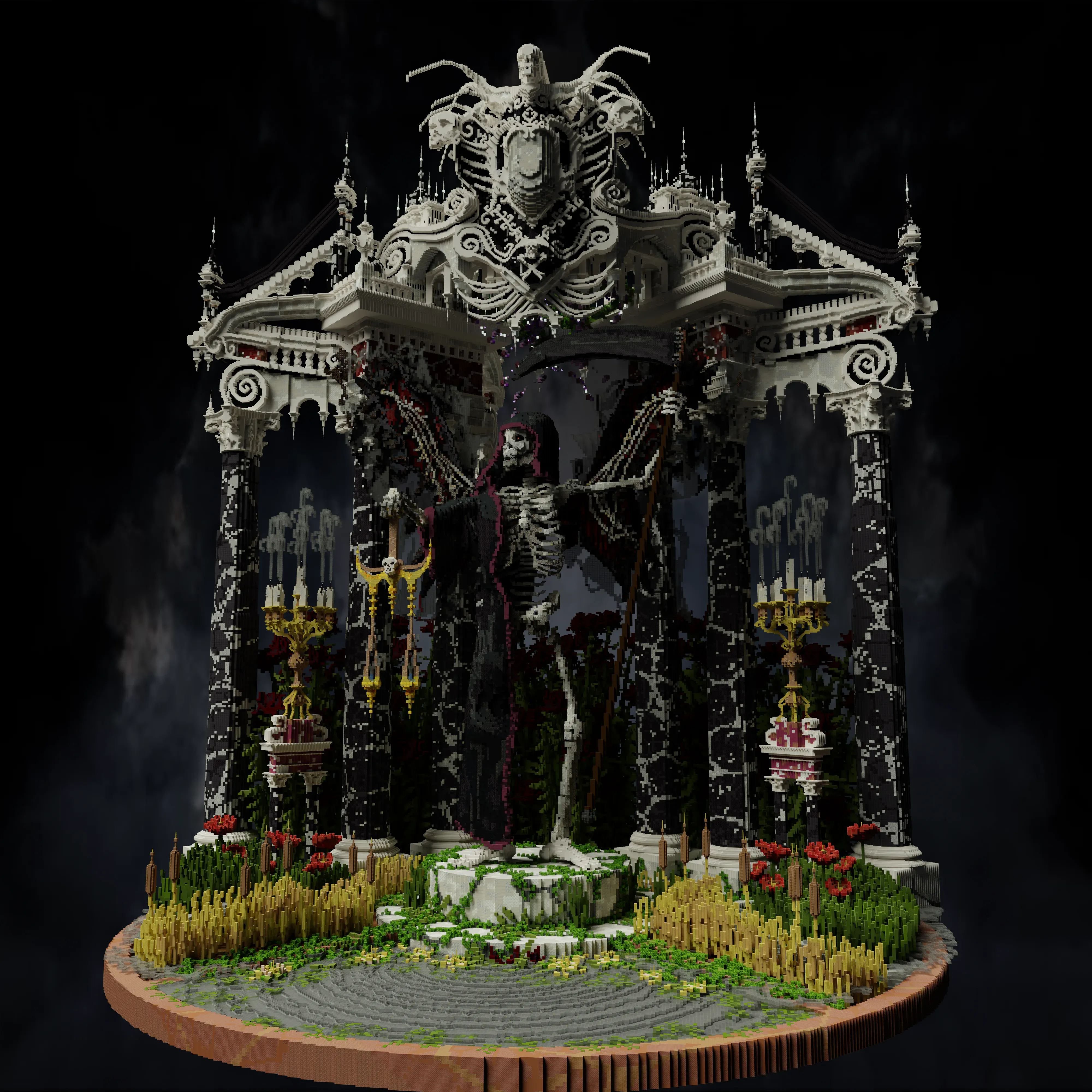
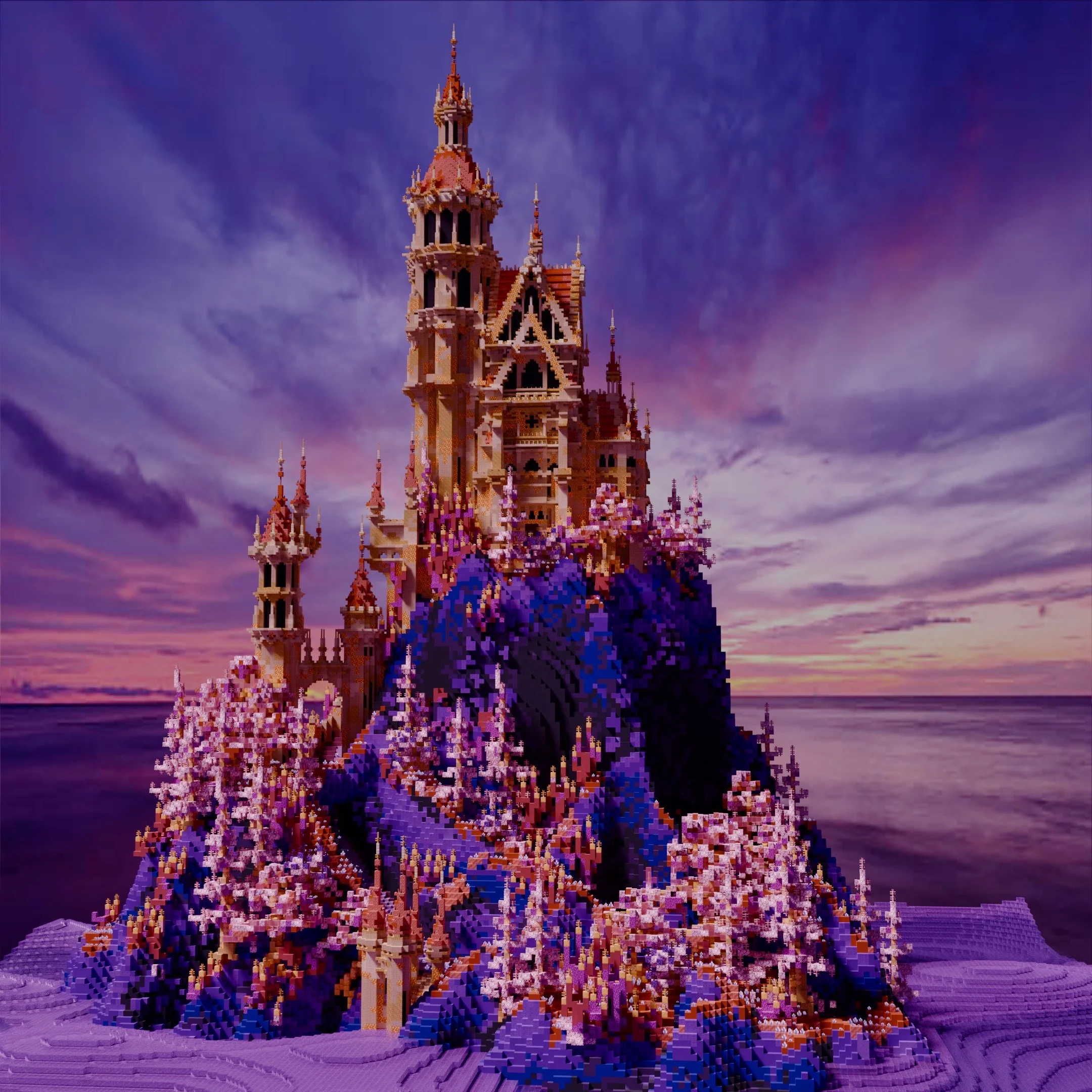
Portfolio examples include the massive 1,225×1,225 environment around Loriostrond, the 609×609 underwater world of Aurelios, the dark-fantasy landscape of Adventus Mortis, and the tropical coastline of Sunset Isle.
Process
1. Brief. You describe the world - size, biomes, mood, gameplay or cinematic use case, and any reference material (real-world locations, concept art, existing worlds).
2. Heightmap & blockout. Rough landform pass to lock silhouette, elevation, and biome distribution.
3. Sculpt & detail. VoxelSniper and Axiom passes for rock, cliff, coast, and organic detail; foliage and vegetation layered afterwards.
4. Delivery. World save with optional region files and schematics of standout features.
Combined with architecture
Most projects benefit from a combined terrain + architecture pass - the landscape reads properly against the buildings, and the buildings sit properly in the landscape. Every large project in the portfolio is built this way. If your project pairs a settlement or city with the surrounding world, see Build Commissions or Marketplace & Pro Projects for scope.
Frequently Asked Questions
Do you build terrain from scratch or start from generated world?
Both. Most projects start from a raw or heightmapped base and are then sculpted, painted, and refined by hand using WorldEdit, VoxelSniper, and Axiom. Fully generated worlds can be used as starting points when they suit the brief.
What size custom Minecraft worlds do you work at?
Everything from small hero islands to full 1,500×1,500+ environments (e.g. the MrBeast Countries build and Loriostrond). Scope is driven by the brief, not by tool limits.
What tools do you use for Minecraft terrain?
Primarily WorldEdit, VoxelSniper, and Axiom. Axiom in particular is used for smoothing, height sculpting, shatter texture, and autoshade passes on rock and organic terrain.
Can you match a real-world location, biome, or heightmap?
Yes. Real-world imports and heightmap-based terrain are supported, with hand-sculpting on top to bring the terrain up to portfolio quality.
Do you handle vegetation, forests, and foliage?
Yes. Custom trees, forests, undergrowth, coastlines, and biome-specific detailing are part of standard terrain and worldbuilding work.
Can you match the terrain style of an existing build or franchise?
In most cases yes. Style-matching against reference imagery or an existing world is a normal part of the discovery phase.
Building a world?
Tell me the size, mood, and use case - I'll respond with what's possible and a plan for getting there.
Discuss a World